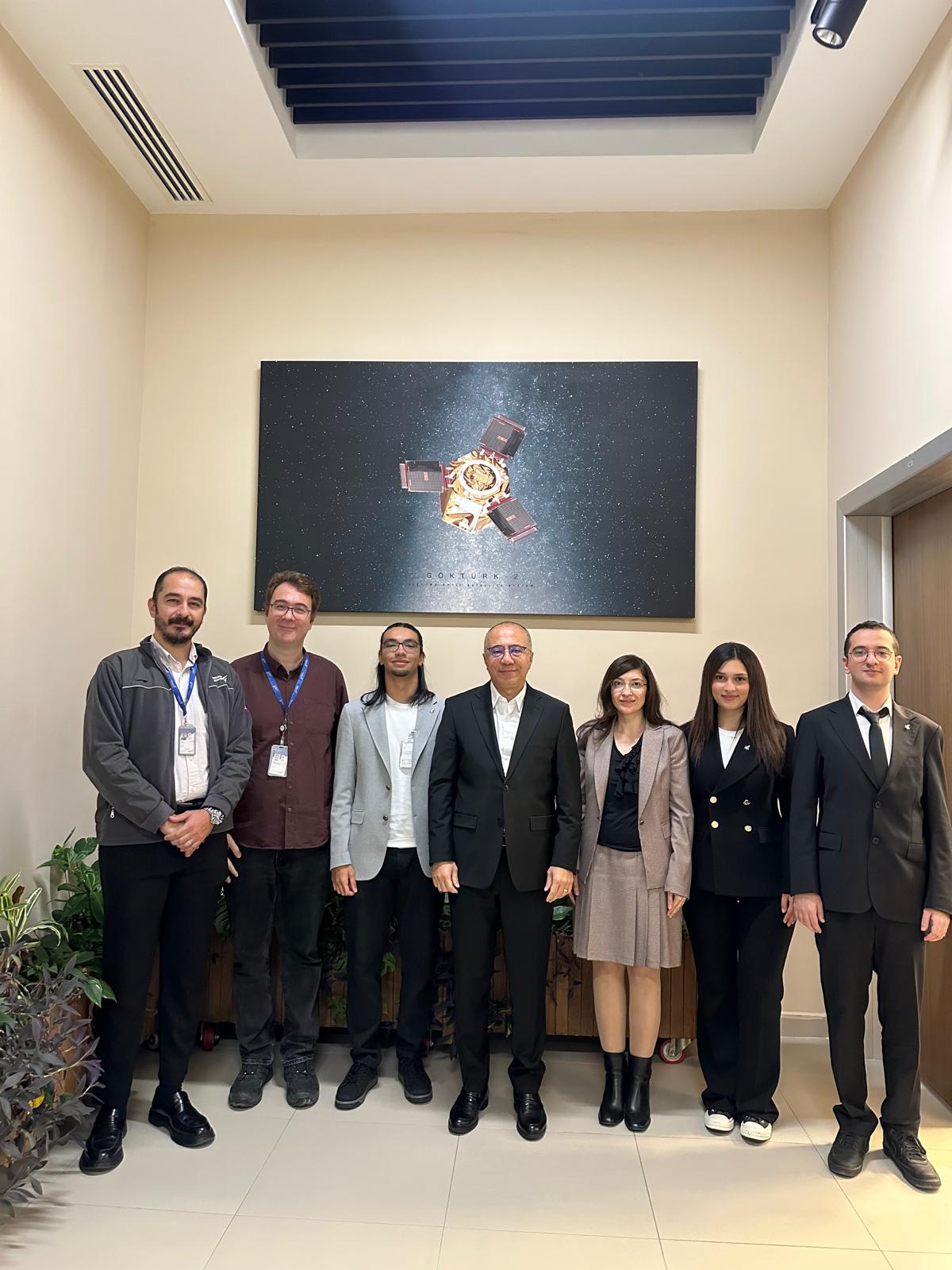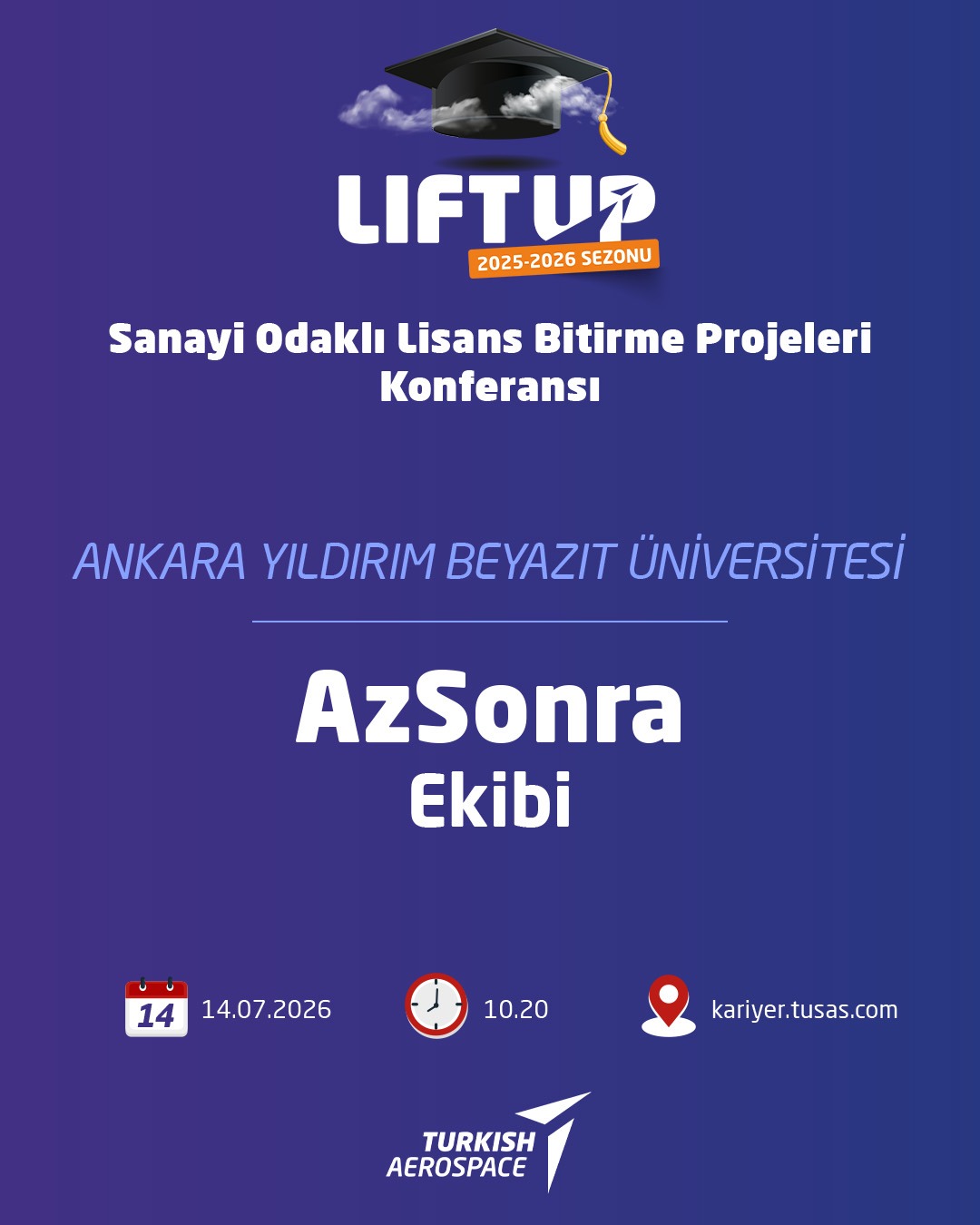

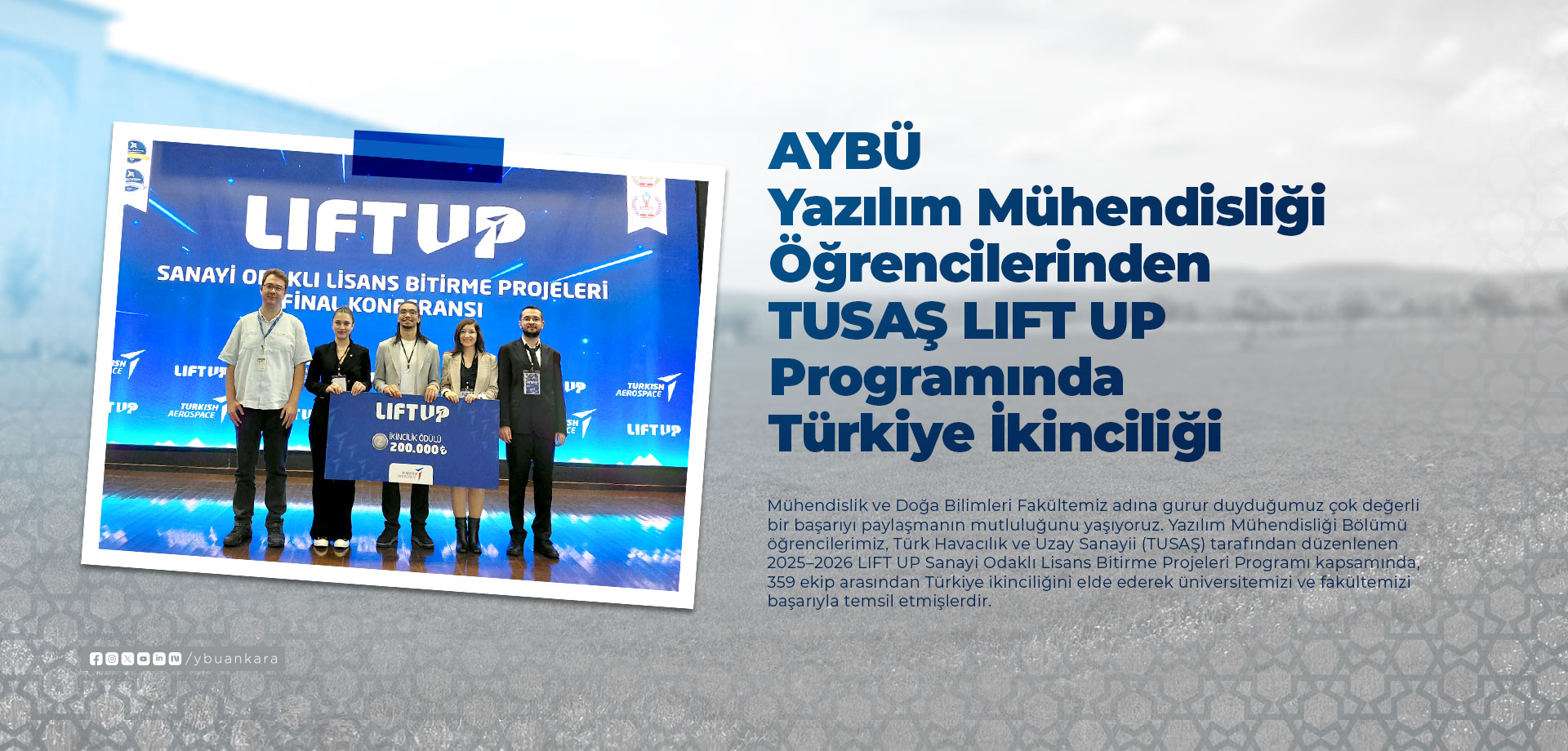
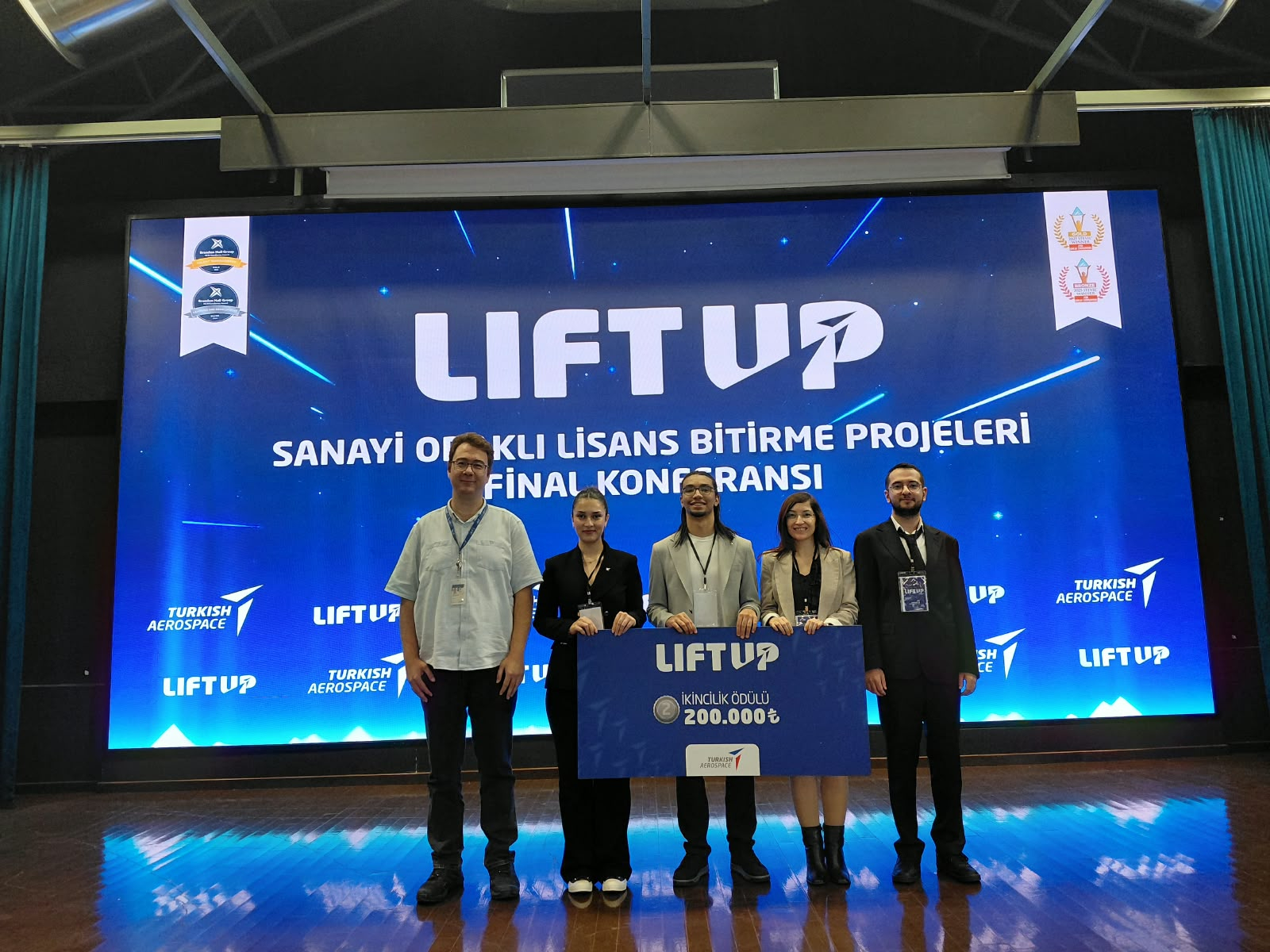
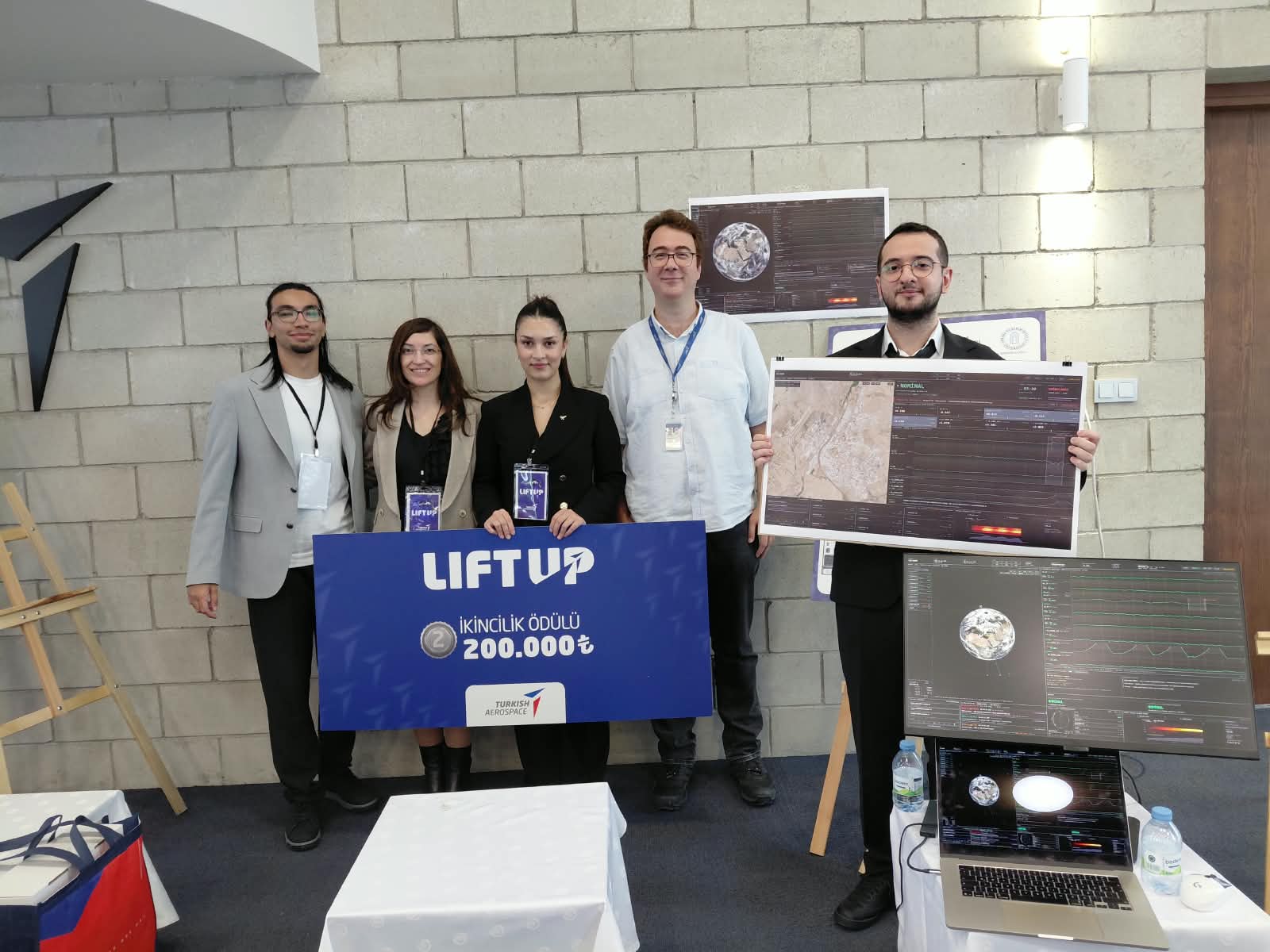
Our students from the Department of Software Engineering successfully represented our university and faculty by achieving second place in Türkiye among 359 teams in the 2025–2026 LIFT UP Industry-Oriented Undergraduate Graduation Projects Program organized by Turkish Aerospace Industries (TUSAŞ).
Our students Bekir Berk YILDIRIM, Yaren DİNÇ, Mert ÖZDEMİR, and Abdulmajeed ALREMALI, under the guidance of their academic advisor Assoc. Prof. Dr. Hilal ARSLAN and TUSAŞ industry advisor Abdullah Nuri SOMUNCUOĞLU, successfully completed their project titled “Anomaly Detection in Satellite Telemetry Data Using an Explainable Artificial Intelligence Approach.” During the program, our team advanced first to the top 18 and then to the top 11 among 359 teams. At the final held on September 21, 2026, at the Saim Dilek Conference Hall, TUSAŞ Kahramankazan Campus, the team presented their project before the jury and was awarded second place.
Short Transcript of the Video:
The user is welcomed by the introductory tour screen, which explains that the panels in the operator interface will be explored. The top bar of the interface contains the mission name, location and satellite times, ground station connection status, information about the selected satellite, and an information button. The World View section displays the real-time positions of Turkish satellites calculated using their actual orbital data. A zoomed-in view of the TUSAŞ Kahramankazan facility is shown using satellite imagery. In the Scenario Console section, anomaly scenarios can be executed and their progress can be monitored. The Pass Plan section provides information about the satellite’s pass over a station, including its trajectory, when it will become visible, how long it will remain visible, and its maximum altitude. The Packet Inspector section displays raw telemetry data, including packets, frames, and error-correction layers in accordance with space standards. The Telemetry Strips section presents the satellite’s telemetry data graphically, together with the expected limits. The Alarm Queue section displays alarms sorted by severity. Clicking on an alarm provides access to the relevant details. The Status section provides a comparative view of the satellite’s own limit-checking data and the AI-based limit detection data. With the help of AI, potential problems can be detected before the satellite limits are exceeded. The Why Did the Model Raise an Alarm? section provides detailed information about the deviation that triggered the AI model’s alarm, including when it occurred, the relevant channel, and its frequency characteristics, presented in a tabbed menu format. The Operator Information Panel displays contextual notes, notifications, and recommended actions for the operator throughout the scenario under the Info tab. Under the Notifications tab, recommendations and their rationales for each confirmed anomaly are stored permanently. When the information button in the top bar is clicked, an information menu appears displaying the satellite’s identification information, the number of orbits completed, the amount of data transferred during the current session, the percentage of the mission lifetime that has elapsed, sensor status, and anomalies recorded during the session. Finally, the Accessibility Settings screen is displayed. This screen includes settings such as high-contrast mode, various color-blindness modes, and options for adjusting the size of interface components.